Premium riders were paying for luxury and getting guesswork
Executives, event guests and travellers in Lagos wanted a chauffeur-grade ride. Ordinary ride-hailing apps treated every trip the same, so the parts that matter most for a premium ride were left to chance.
No idea what car arrives
Riders couldn't choose a vehicle class, so a premium booking could turn up as any car.
Trust built too late
Driver identity, rating and plate number appeared only after booking, the moment riders felt most exposed.
No way to plan ahead
Weddings, airport runs and meetings need a car booked days early, not a hope that one is nearby.
Fares that felt opaque
Riders paying premium prices wanted the estimate, add-ons and final fare broken down clearly.
How might we make a luxury ride feel certain from the first tap to the final payment?Design challenge
Four principles behind every screen
Three products had to feel like one brand. These rules kept the rider, driver and admin experiences consistent.
Show the driver before the ride
Name, photo, rating, trip count, car model and plate number travel with the rider through every state.
Booking in a few taps
Pickup, drop-off and car choice live on a single sheet, with the main action always at the bottom.
Premium without the noise
Deep red and gold, rich car photography and generous white space signal quality without clutter.
Status you can read at a glance
A gold progress bar and a live ETA tell riders exactly where the trip stands.
Onboarding that sells the experience
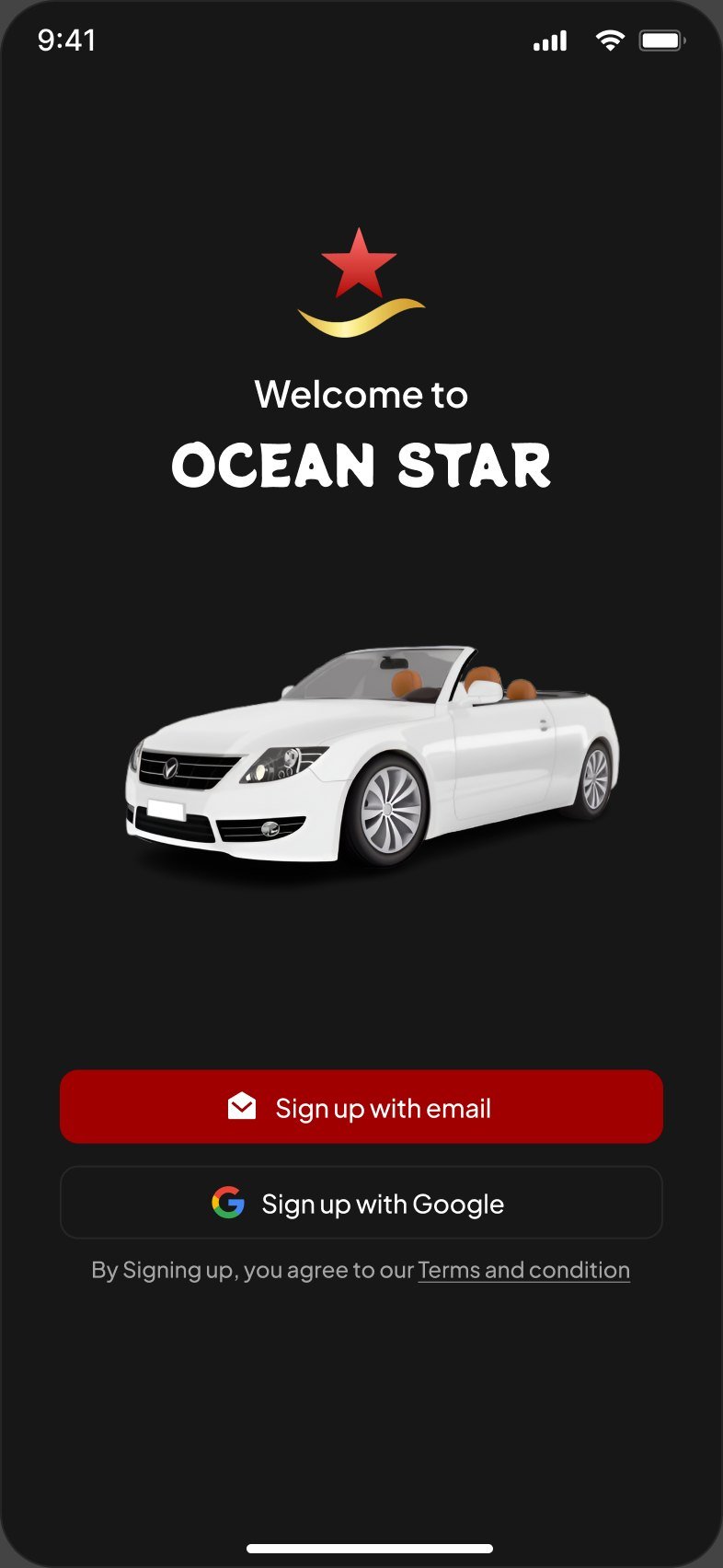
The first four screens set the tone: cinematic car photography, a clear promise on each slide and a sign-up that takes one tap.
Lead with the feeling. "Premium Rides" and "Luxury Meets Convenience" pair a single benefit with full-bleed imagery instead of feature lists.
Two ways in. Email or Google sign-up, with Skip always available so returning riders aren't held up.
Light and dark from day one. Every rider screen was designed in both themes for night-time trips.
From "where to?" to a confirmed chauffeur
The core flow. Riders pick a car they can see, add the touches that make it premium, then choose from drivers who respond in real time.
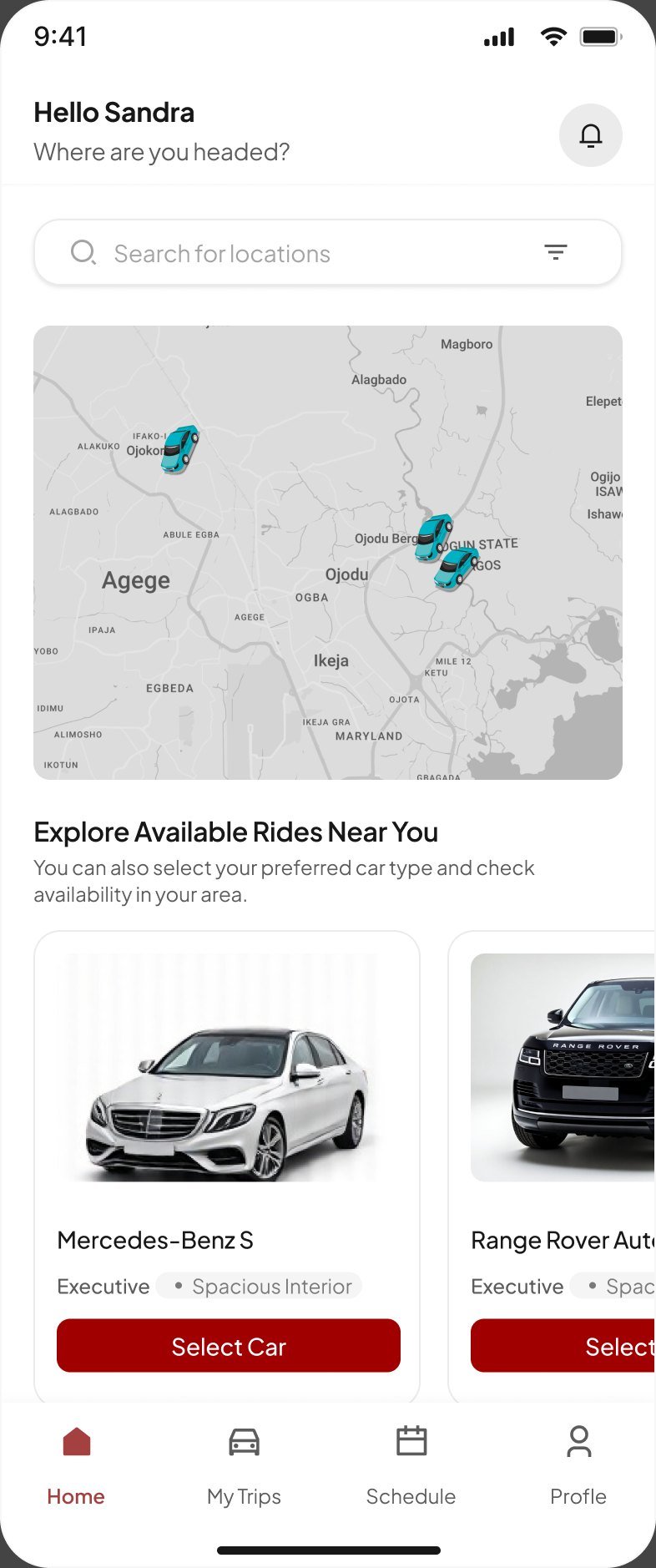
Sell the car, not a tier. The home screen shows a Mercedes-Benz S and a Range Rover with their class and interior, because the car is the product.
Add-ons at the right moment. Complimentary wine or a uniformed driver is offered after the route is set, when riders are already committed.
Riders choose their driver. Each offer shows rating, completed trips, distance, ETA and an estimated fare, with a 15-second response bar so nobody waits.
Social proof while searching. "6 drivers are viewing your request" reassures riders that the request is moving.
Calm, in control, all the way there
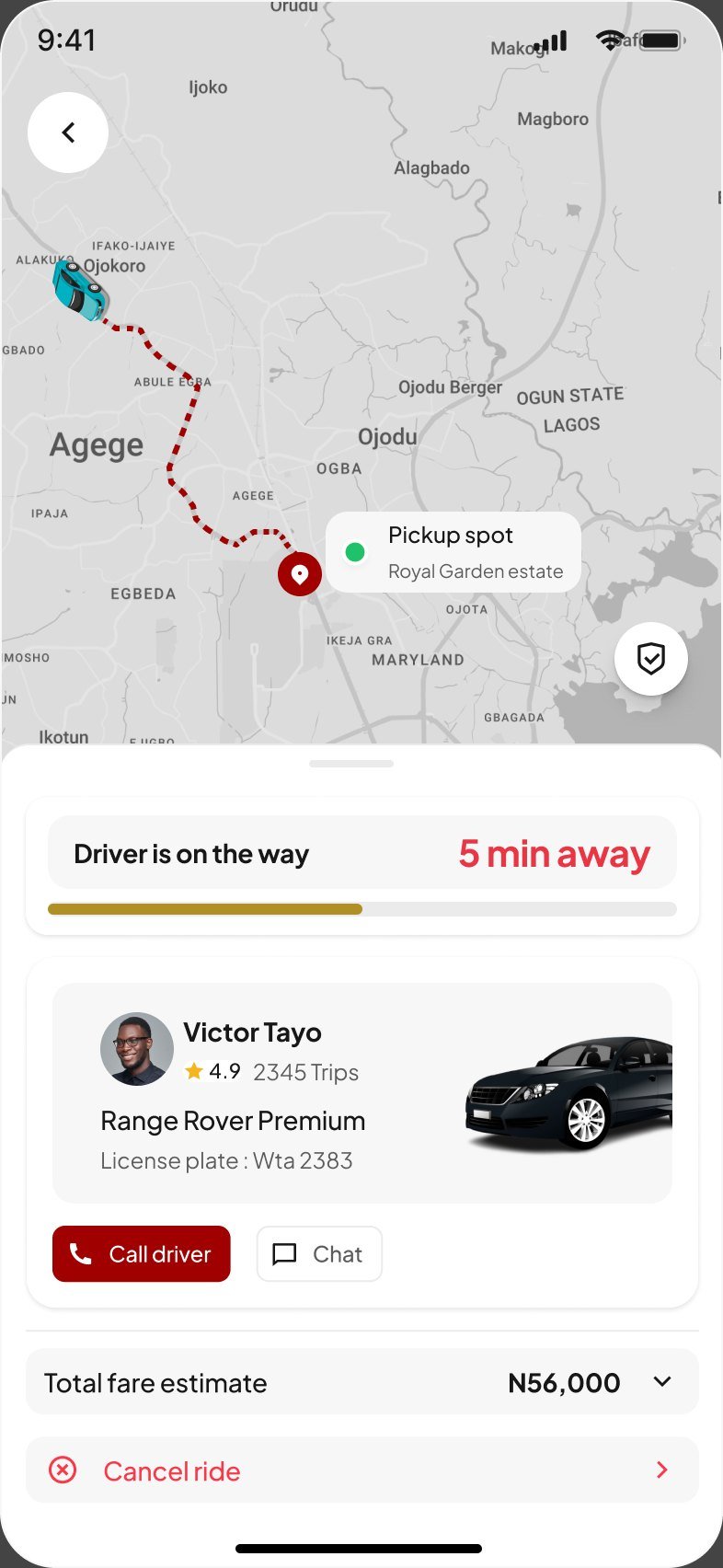
Once the car arrives, the interface steps back. The map leads, the driver card stays one glance away, and the fare is always visible.
One-tap contact. Call or chat with the driver from the card, with quick replies like "Where are you?" for riders on the move.
Change plans mid-trip. The destination can be updated from the trip sheet without cancelling the ride.
Pay with clarity. The trip ends on a single total and a Pay Now button, with support one row below.
Plan ahead, look back, bring friends
Premium riders book around their calendar. Scheduling, trip history, the wallet and referrals turn a one-off ride into a habit.
A cockpit built for the person at the wheel
Drivers needed fewer screens and bigger targets. The driver app uses the same language as the rider app, so both sides see the same trip.
Availability as a single switch. Going online or offline is one toggle on the home screen.
Everything for the pickup on one card. Rider name, ride class, pickup point, fare and an "I've Arrived" button.
Earnings drivers can trust. Daily totals, hours online and trips, with an option to hide earnings on shared devices.
Every ride, live on the map
The operations team can watch any trip in real time, check who is driving, and see exactly what the rider paid and the driver earned. Every page was designed for desktop, tablet and mobile, in light and dark.
Map first, table second. Opening a ride shows its live route and ETA before any data, so the team sees a problem the moment it happens.
One trip, one page. Rider, car, plate, add-ons, driver and fare breakdown sit together, so support never jumps between screens.
Money made traceable. Every completed trip shows the total paid and the driver payout, and every payout has its own timeline and receipt.
Payouts with a paper trail
Each driver payout opens to the amount, bank details, an earnings breakdown and a timeline from initiation to completion, with a receipt to download.
One brand, three products
A shared set of colours and components keeps the rider app, driver app and dashboard speaking the same language.
Colour
Red drives every primary action. Gold marks progress and ratings.
Driver card
The same trust card appears in offers, en route, arrival and trip history.
Trip progress
A gold bar paired with a live ETA for searching, arriving and driving.
Status pills
One status language across the dashboard's rides, payouts and drivers.
What shipped
Oceanstar is live on Google Play and the App Store, with the rider app, driver app and admin dashboard designed end to end.
Connected products: rider app, driver app and admin dashboard.
Themes for every rider screen: light and dark.
Breakpoints for every dashboard page: desktop, tablet and mobile.
App stores at launch: Google Play and the App Store.
What I learned
Trust is a layout decision
Putting the driver's face, rating and plate in the same place on every screen did more for confidence than any copy could.
Luxury lives in the details
Small touches, like add-ons, a wait timer and an "I'm coming" reply, are what make a ride feel premium rather than just expensive.
Design both sides of the trip
Designing the rider and driver apps together meant every rider state had a matching driver state, so neither side was ever left guessing.
Operations is a user too
Separating commission, add-on revenue and payouts in the dashboard gave the business the clarity to grow the premium features.
Want to work together?
Open to projects, collaborations and full-time roles.